
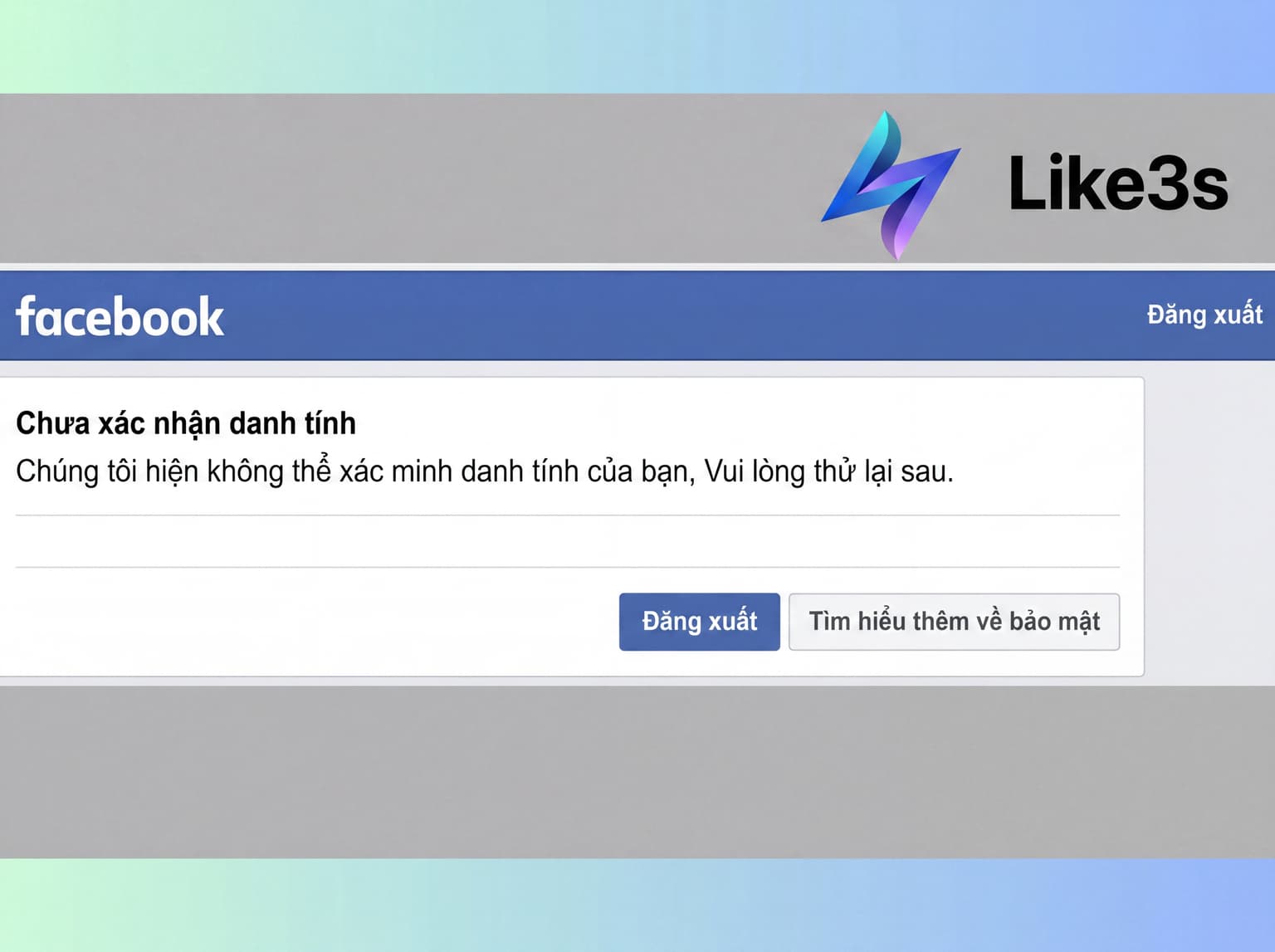
Verifying your Facebook account is necessary when your account encounters issues such as a temporary lock, suspected unauthorized access, or an identity verification request. If not handled correctly, you may lose access to your account for an extended period.
In the article below, Like3s will guide you through simple and easy steps to verify your Facebook account, helping it return to stable operation — updated for 2026.
Did you know? How to Keep Facebook Video Viewers Watching Until the End
When Do You Need to Verify Your Facebook Account?
In certain situations, Facebook will ask you to verify your identity to continue using your account. Below are the cases where you need to complete this step.
Your Facebook Account May Be Automatically Locked
Facebook may temporarily lock your account when the system detects unusual signs such as unclear personal information, a profile photo that does not clearly show your face, or inconsistent registration data. In this case, users need to verify their identity by submitting valid documents such as a National ID card, Citizen Identity Card, or Driver's License. Once Facebook completes the review and confirms the information, your account will typically be restored and active again within approximately 3 to 36 hours.
Your Facebook Account Has Been Reported for Violations
Facebook allows users to report accounts that violate community standards. If your account is reported multiple times, Facebook will conduct a review and may temporarily lock it, while also requesting Facebook identity verification to ensure authenticity. To restore access, you need to contact the Facebook Help Center on the official page and submit a verification request following the provided instructions. Once the verification process is complete and approved by Facebook, your account will be unlocked and usable as normal.
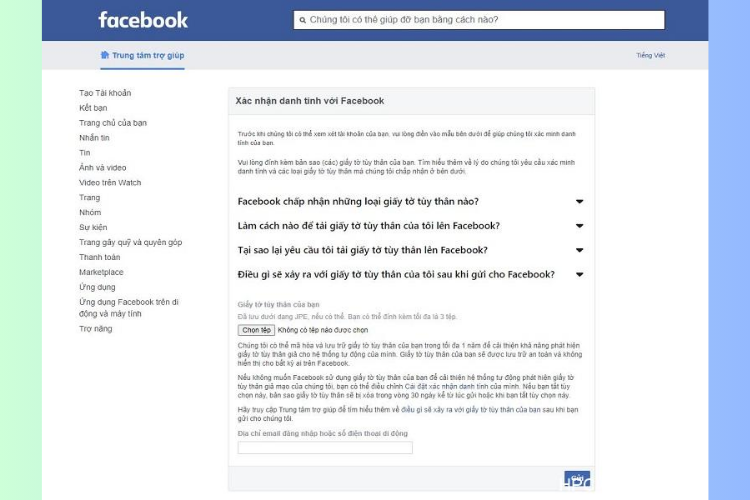
Multiple Incorrect Password Attempts Trigger a Facebook System Warning
If you forget your password and enter it incorrectly too many times, the system will temporarily lock your account due to suspected unauthorized access. In this case, Facebook will ask you to verify your identity by providing relevant information to confirm account ownership. Once the Facebook account verification process is complete and the information is approved, the system will unlock the account within approximately 12 to 36 hours, allowing you to log in and use Facebook normally again.
Logging into Facebook from an Unfamiliar Device or Location
Facebook has strict policies to protect its users, especially minors. If the system suspects you do not meet the eligibility requirements to use Facebook, you will need to respond and prove:
Personal information: Full name and valid identification documents
Facebook registration information: Email address or phone number
Once Facebook receives your response and fully confirms your eligibility, the system will unlock your account and you will be able to access it normally.
Other Cases
In addition to the reasons above, you may also be asked to verify your account when:
Your Facebook account is accessed from multiple different devices simultaneously
The account is newly created and has low credibility
You access unknown or unverified links on Facebook
There is an algorithm error on Facebook's end
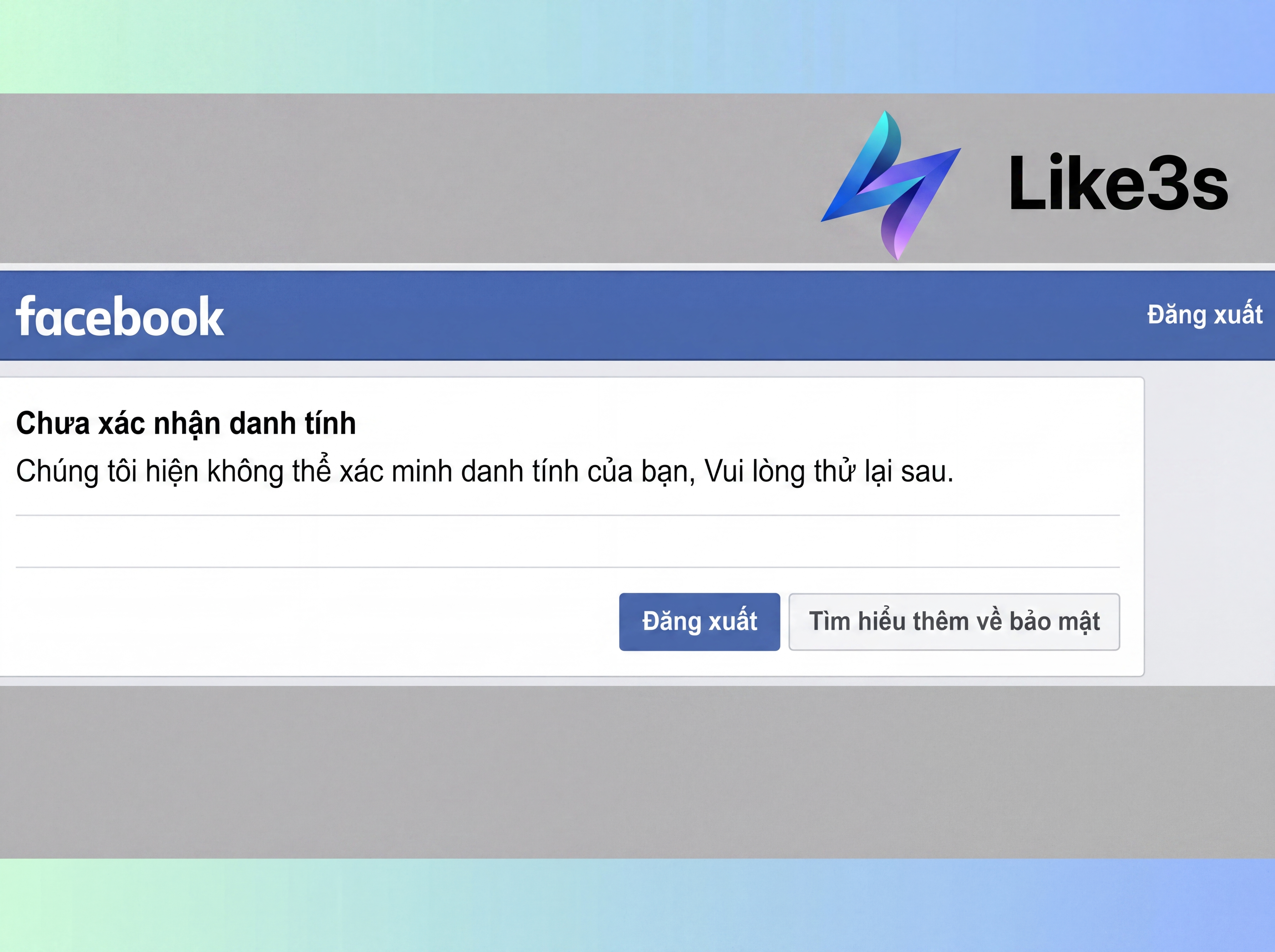
Easy Ways to Verify Your Facebook Account
Verifying Facebook via SMS When Your Account Is Locked
This is the most common and fastest verification method.
Step 1:
Log in to Facebook → When the identity confirmation prompt appears, tap "Get Started" → "Continue"
Step 2:
Select "Check Account Security" → Send a verification code to your registered phone number
Step 3:
Enter the OTP code Facebook sends via SMS to complete the verification
Note:
Never share your Facebook OTP verification code with anyone
If you keep receiving OTP codes without requesting them, change your password immediately as your account may be compromised
Verifying Your Facebook Account via a Trusted Device
Suitable for users who frequently log in to Facebook across multiple devices.
Step 1:
Log in to Facebook → Select "Continue" when the identity confirmation prompt appears
Step 2:
Select "Security Check"
Step 3:
Confirm your identity through another device that has previously been used to log in to Facebook
Step 4:
Log in to Facebook on the listed devices to complete the verification
Verifying Your Facebook Account with Personal ID Documents
Use this method when the two methods above are not available.
Step 1:
Select "Confirm Another Way" → Upload your identification documents
Step 2:
Tap "Continue" and wait for Facebook to review your submission
Note:
Photos of your documents must be clear and well-lit
Your information is used only for verification purposes and will not be displayed publicly
The review process may take from 10 to 15 days
Clone accounts or advertising seeding accounts may not be unlocked
How to Fix Errors That Prevent Facebook Account Verification
One common error during Facebook verification is not receiving the OTP code. You can resolve this issue with the following steps:
Check your internet connection or mobile network signal
Avoid verifying while in a basement or elevator
Wait 1–2 hours and then try sending the code again
Do not submit verification requests repeatedly within a short period of time
Conclusion
We hope the Facebook account verification methods shared in this article will help you quickly unlock your account and get back to using Facebook normally. Don't forget to strengthen your security measures to reduce the risk of future account locks. Share this with your friends and follow Like3s to discover something new every day!
See also:
How to Schedule Facebook Posts Effectively
The Like3s content team — sharing algorithm insights, case studies and channel-building strategy.