
How to register a TikTok Shop account in 2026 is a topic many people are interested in when they want to start selling on the TikTok platform. In this article, Like3s will walk you through every step of registering a TikTok Shop from A to Z, including preparing the required documents, verifying your information, and successfully activating your storefront. By following the correct process, you can quickly and easily start selling on TikTok.
Did you know? The key factors that make viewers more likely to like your videos.
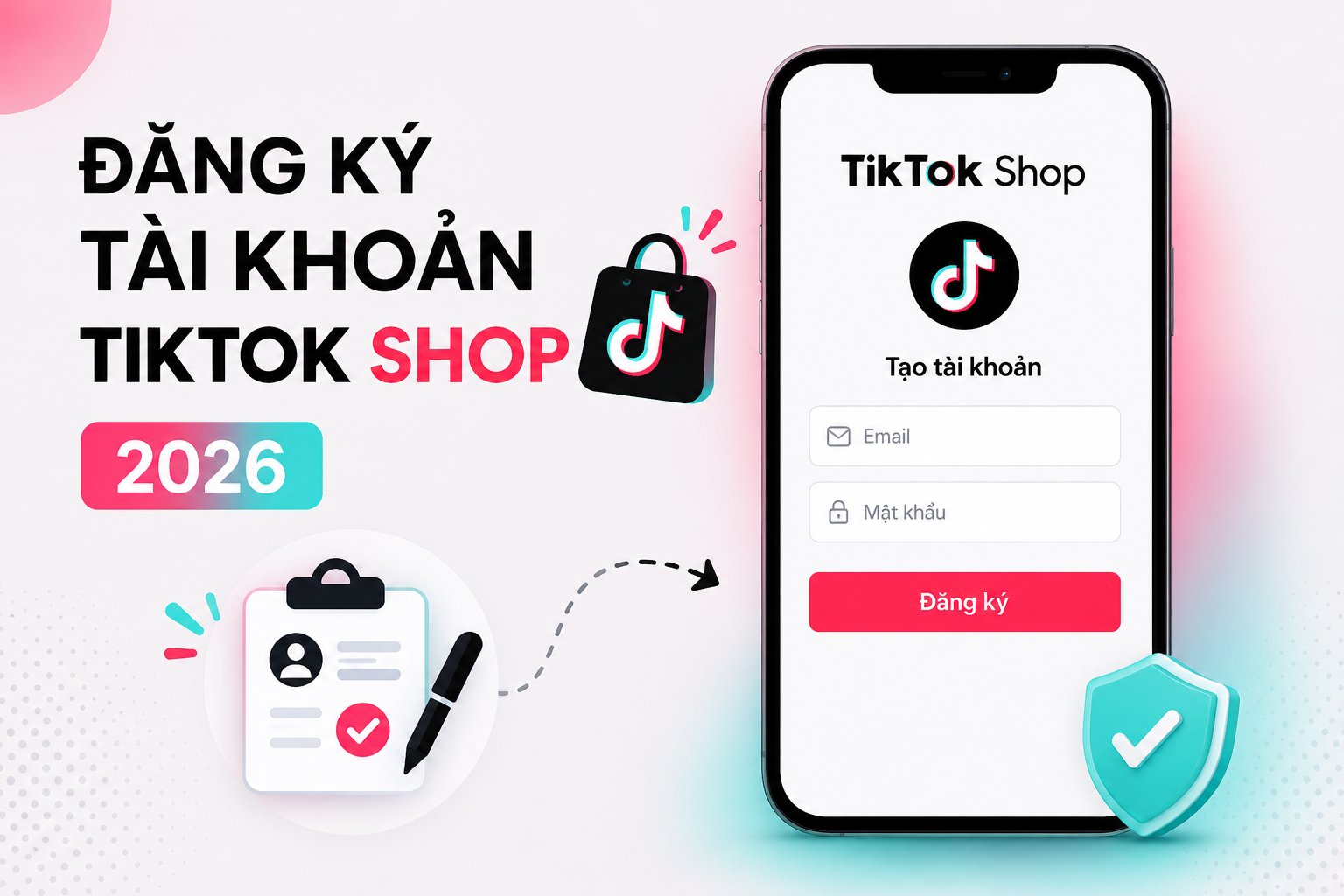
What Is TikTok Shop? Why Should You Register for TikTok Shop in 2026?
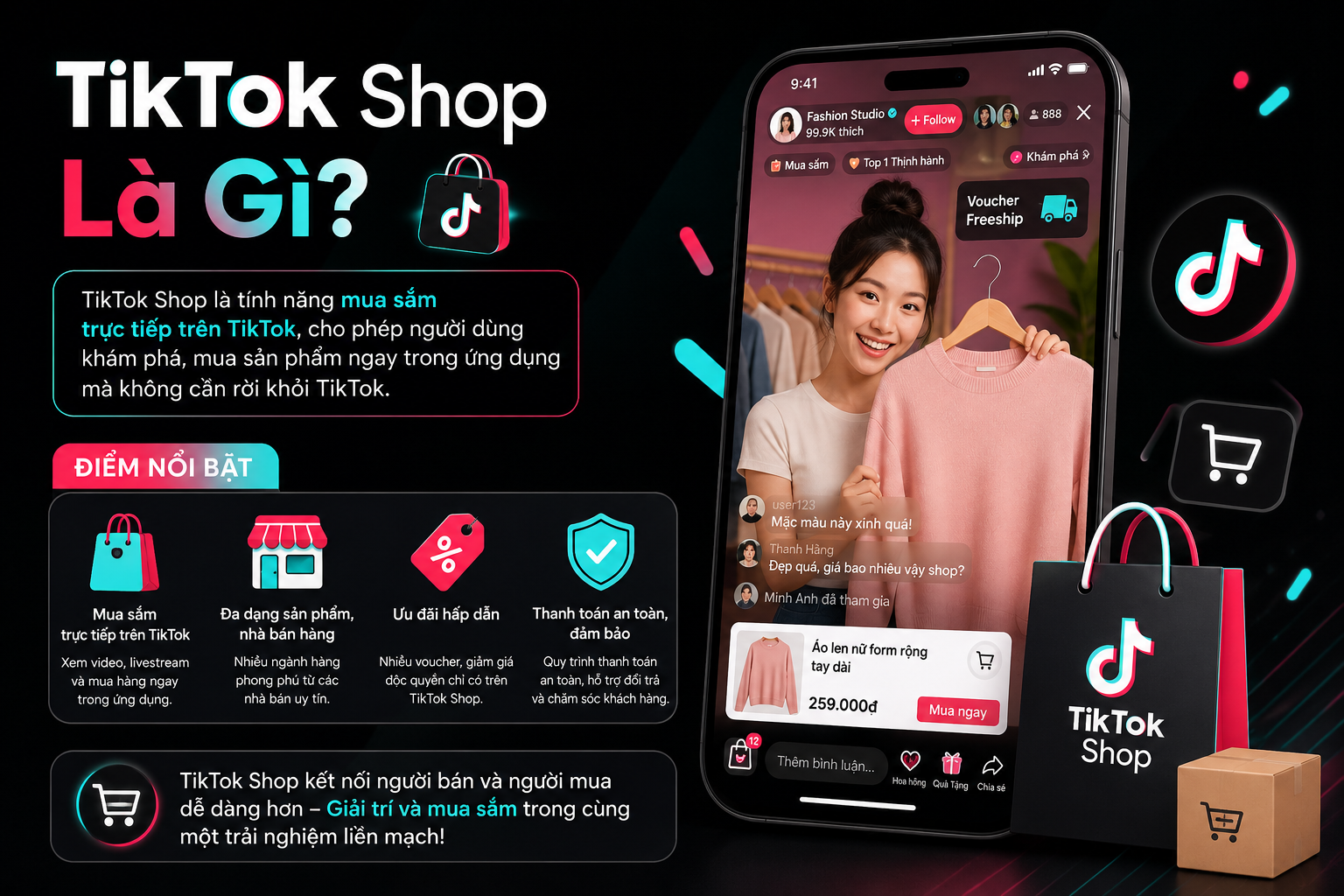
TikTok Shop is a commerce platform integrated directly into TikTok, allowing sellers to showcase products, sell directly, and close transactions all within the app.
While researching and using TikTok Shop, I realized that the platform provides access to a very large pool of potential customers through organic reach via short videos and livestreams. Here are some of the key benefits TikTok Shop offers its users:
Reach hundreds of thousands to millions of users every day.
Sell directly through videos and livestreams.
Marketing costs are significantly lower compared to other platforms.
Build your personal brand more easily.
Access a wide range of advertising and order management tools.
TikTok Shop is currently one of the fastest-growing online sales channels available today.
Requirements to Register a TikTok Shop Account in 2026
For Individuals Registering a TikTok Shop Account
The registrant must have the following:
A valid National ID card (CCCD or CMND).
Your active phone number.
The email address of the person registering the business.
Your active bank account.
An active TikTok account in good standing.
For Business Households or Enterprises Registering a TikTok Shop Account
Businesses need to prepare the following:
A valid and licensed business registration certificate.
The business's registered tax identification number.
Detailed information about the legal representative.
The bank account linked to the business or business household.
Preparing all required documents from the start will help your TikTok Shop review process proceed much more quickly.
How to Register a TikTok Shop Account in 2026 – Detailed Step-by-Step Guide
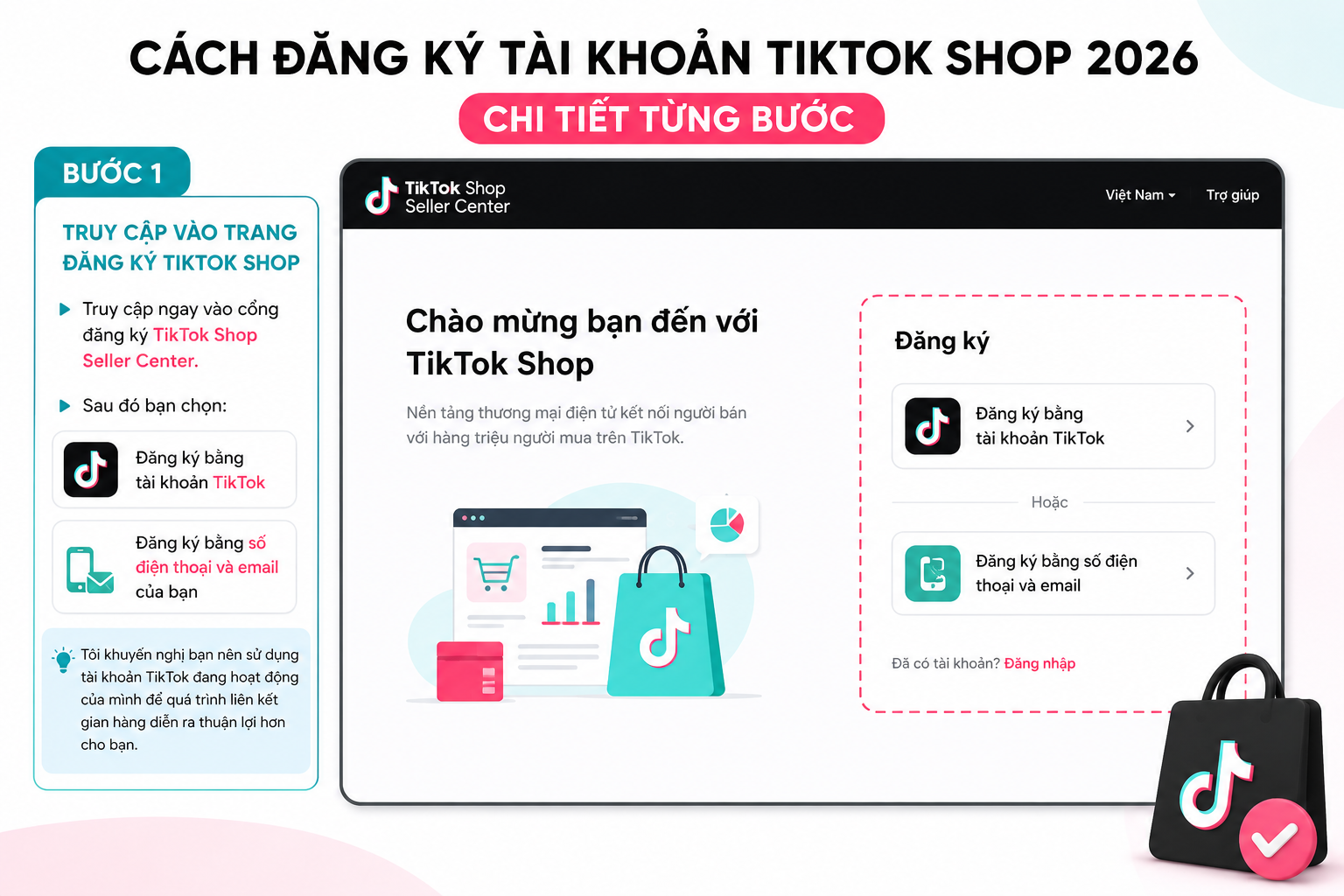
Step 1: Go to the TikTok Shop Registration Page
Visit the TikTok Shop Seller Center registration portal.
Then select:
Sign up with your TikTok account or Sign up with your phone number and email.
I recommend using your active TikTok account, as this will make the store linking process smoother for you.
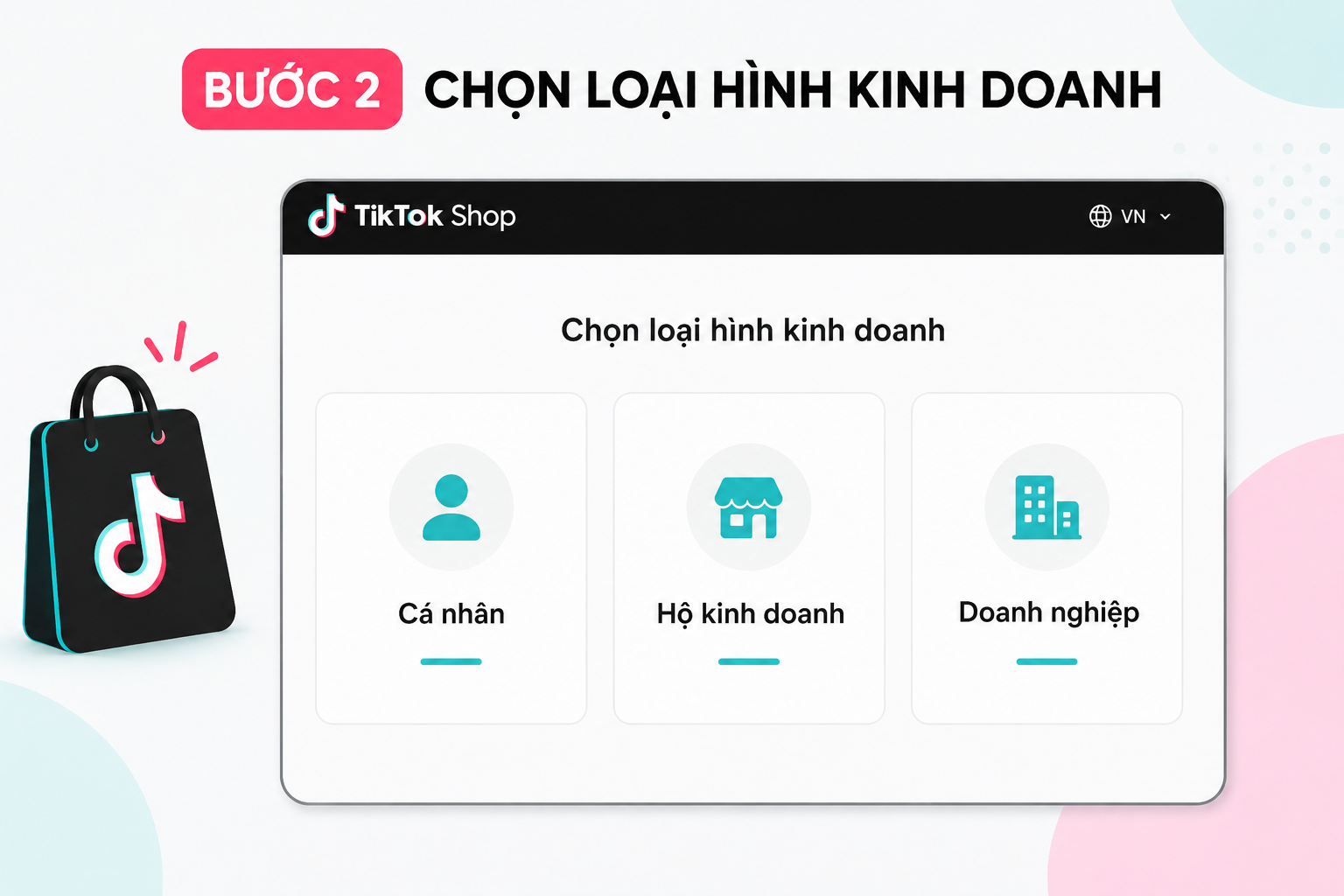
Step 2: Select Your Desired Business Type
TikTok Shop will ask you to choose from:
Individual.
Business household.
Enterprise.
Make sure to select the business model that accurately matches yours to avoid having to revise your profile multiple times later.
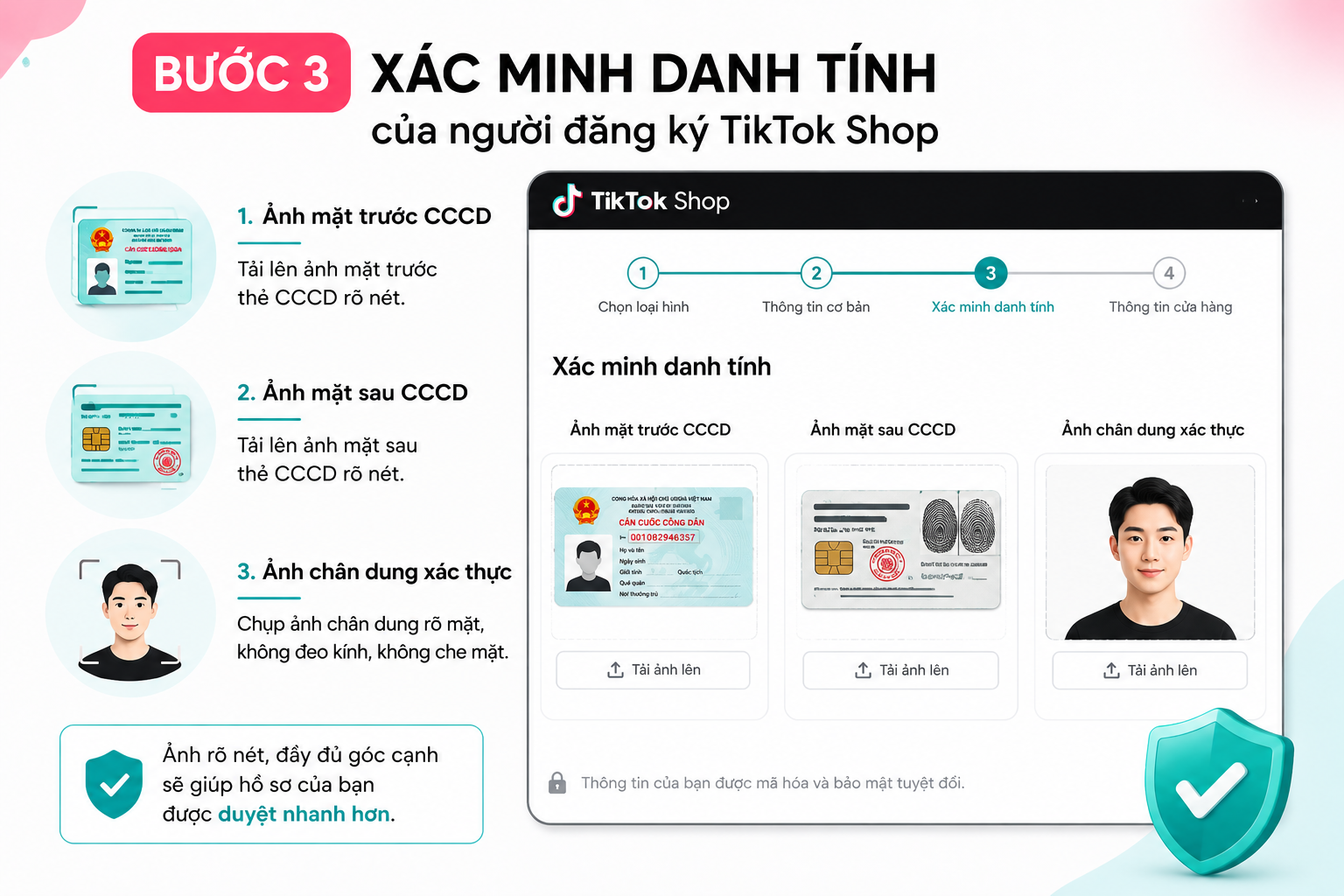
Step 3: Verify the Identity of the TikTok Shop Registrant
You will need to upload:
Front photo of your National ID card (CCCD).
Back photo of your National ID card (CCCD).
A portrait photo for verification.
During this important step, the system recognizes that clear, complete photos taken from all angles will significantly speed up your profile approval.
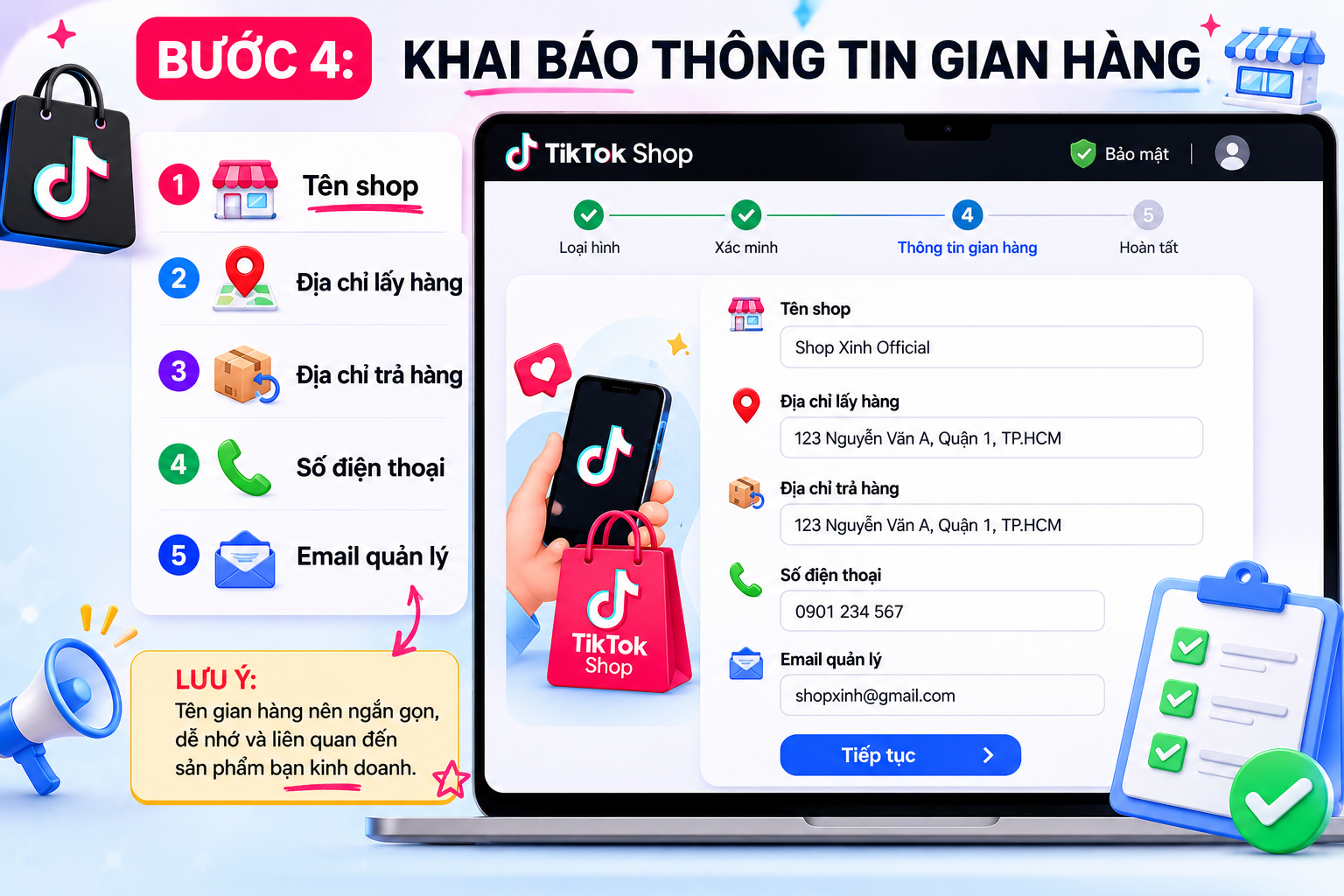
Step 4: Enter Your Store Information
Fill in the following details:
Shop name.
Pickup address.
Return address where you operate your business.
Your phone number.
Manager's email address.
Note: Your store name should be short, memorable, and relevant to the products you sell.
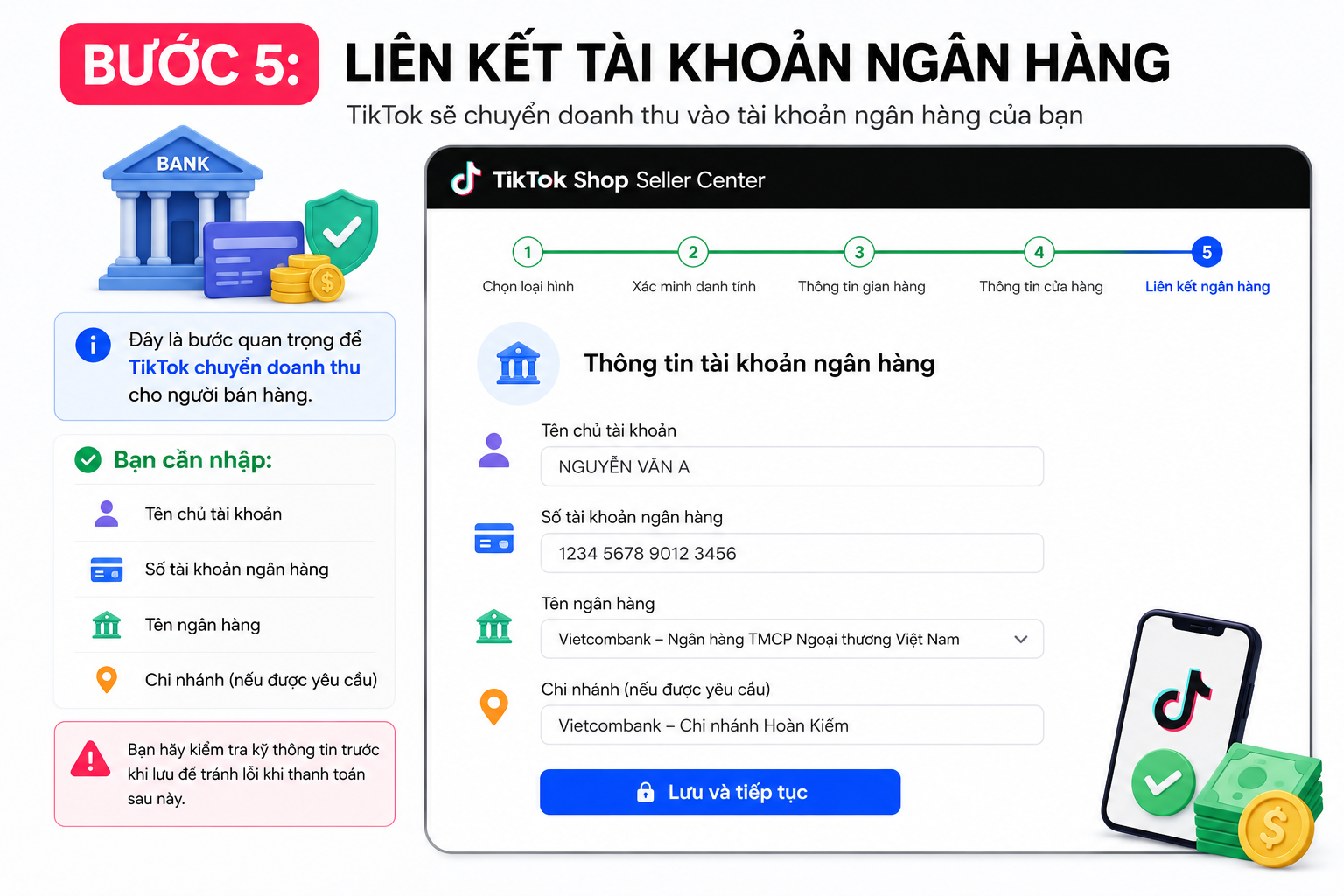
Step 5: Link Your Bank Account
This is a crucial step for TikTok to transfer revenue to sellers on TikTok.
You need to enter:
Account holder name.
Bank account number.
Bank name.
Branch (if required).
Double-check all information carefully before saving to avoid payment errors later.
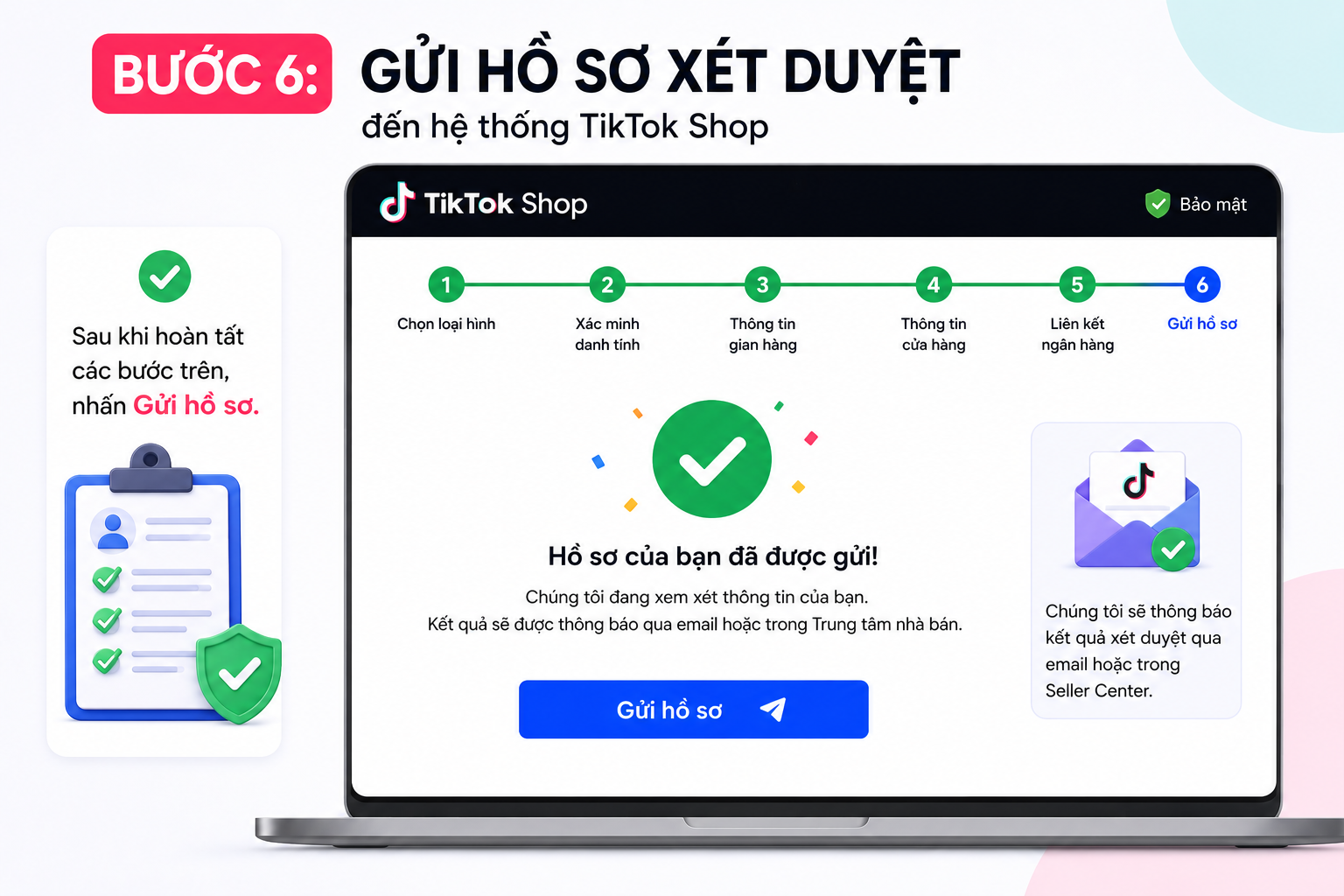
Step 6: Submit Your Application to the TikTok Shop System
Once all the steps above are complete, click Submit application.
TikTok typically reviews applications within a few hours to a few business days, depending on the time of submission.
Common Errors When Registering for TikTok Shop
Many people fail to register for TikTok Shop due to these very simple mistakes.
Incorrect or Falsified National ID Information
The name on your National ID card must match:
Your registration information.
Your bank account details.
Even a single incorrect character can result in your application being rejected.
Blurry or Incomplete Document Photos
TikTok requires clear images. You should avoid:
Photos with missing angles.
Overexposed or glare-affected photos.
Heavily edited photos.
TikTok Account Violating TikTok Shop Policies.
If your TikTok account has had serious violations in the past, registering for TikTok Shop may be more difficult.
Therefore, make sure your account is in good standing before submitting your application.
How to Optimize Your TikTok Shop After Successfully Registering
Once your TikTok Shop is successfully opened, you should immediately take the following steps:
Complete Your Store Profile
This includes:
Brand logo.
Cover photo.
Store description.
Shipping policy.
This helps build trust with your customers.
List Products with SEO-Optimized Titles
Product titles should:
Include the main keyword.
Clearly state the benefits.
Avoid being excessively long.
Images should be sharp and accurately represent the actual product.
Combine Videos and Livestreams
Through operating a TikTok Shop, I have found that short videos and livestreams are the two most powerful sources of order generation.
Maintaining a consistent posting schedule will help your shop increase organic reach and significantly improve sales.
Conclusion
Registering a TikTok Shop account in 2026 is not overly complicated if you prepare all the required documents and follow the correct steps. From identity verification to setting up your storefront, each step contributes to getting your application approved quickly. We hope this article from Like3s has helped you clearly understand the TikTok Shop registration process and has you ready to start growing your business on this platform.
See also:
Unable to Watch Livestreams on TikTok – Fix the Error
The Like3s content team — sharing algorithm insights, case studies and channel-building strategy.